
Download Aldro – Procedural Exploration, Character Customization, Dynamic Boss Battles, Crafting and Trading
Overview
Aldro presents a vibrant and immersive mobile gaming experience centered around a lovable slime protagonist navigating a procedurally generated world. Designed for players seeking a blend of survival mechanics, strategic building, and creative expression, the game offers a dynamic adventure where every playthrough unfolds uniquely. The core purpose of Aldro lies in fostering exploration, resource management, and long-term progression through a richly layered gameplay loop. Players assume the role of a sentient slime, evolving from a simple entity into a civilization-builder capable of constructing settlements, cultivating farms, and defending against formidable threats.
Target users include fans of sandbox survival games, strategy enthusiasts, and players who enjoy deep customization and emergent gameplay. The game addresses common challenges in the genre by combining procedural generation with meaningful progression systems, ensuring replayability and sustained engagement. While the developer's background is not publicly detailed, the game’s polished mechanics and cohesive design suggest a focused development team with expertise in mobile game architecture. Real-world use cases range from casual relaxation sessions to extended strategy-building marathons, making Aldro suitable for both short breaks and immersive play sessions. Its presence in the mobile gaming ecosystem highlights a growing trend toward hybrid experiences that merge exploration, creativity, and combat in a single, cohesive package.
Key Features & Functionality
- Procedural Exploration: Each island is uniquely generated, featuring diverse biomes, hidden resources, and evolving wildlife. This ensures no two adventures are the same, encouraging players to continuously explore and adapt their strategies based on environmental variables.
- Character Customization: Players can evolve their slime through skill trees, unlock pet companions, and equip gear that modifies stats and abilities. This system supports multiple playstyles, from aggressive combat builds to defensive fortification-focused strategies.
- Dynamic Boss Battles: Boss encounters are not repetitive; each enemy has distinct attack patterns, weaknesses, and environmental interactions. Success requires preparation, team coordination, and tactical planning, rewarding strategic thinking over brute force.
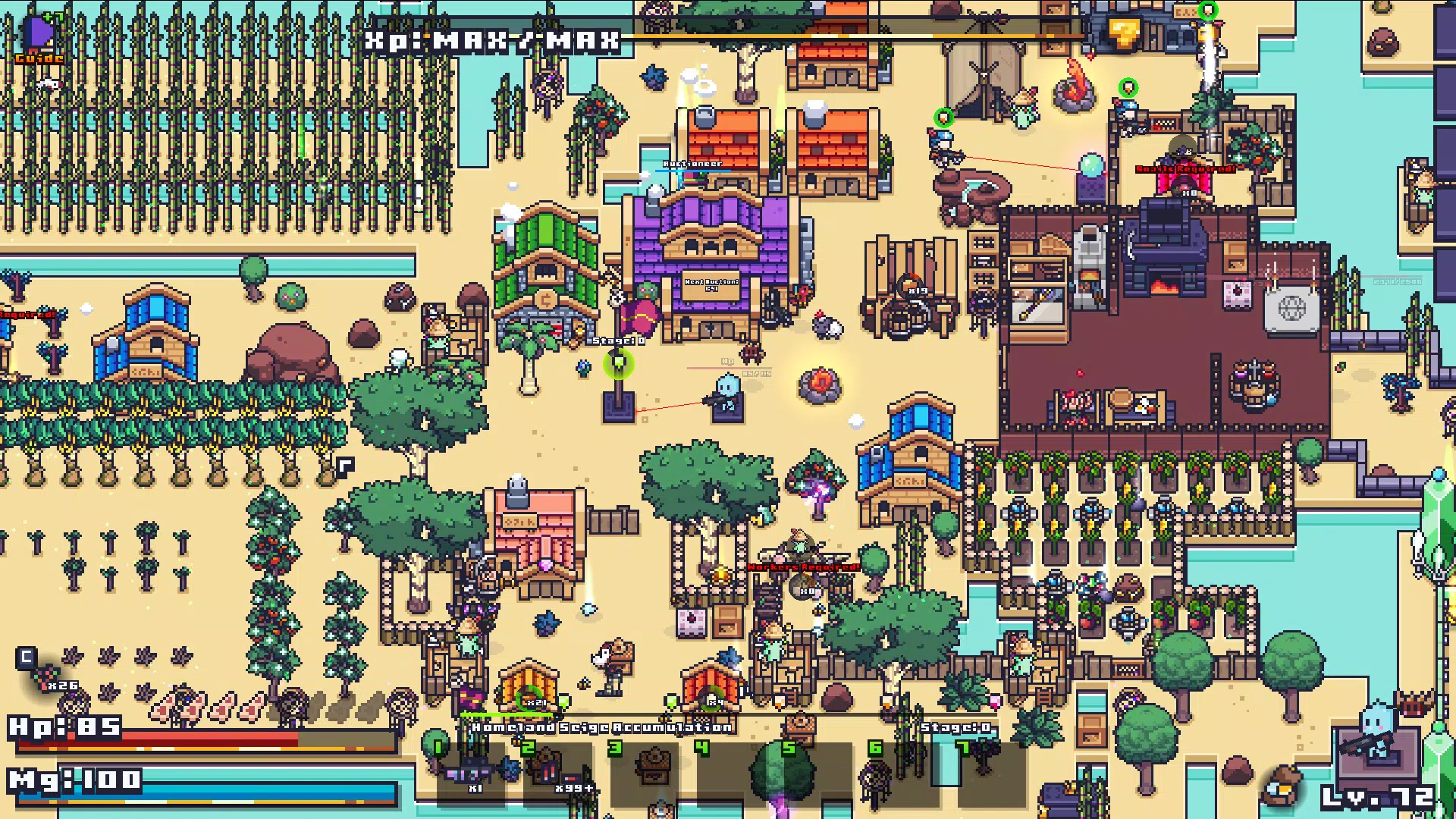
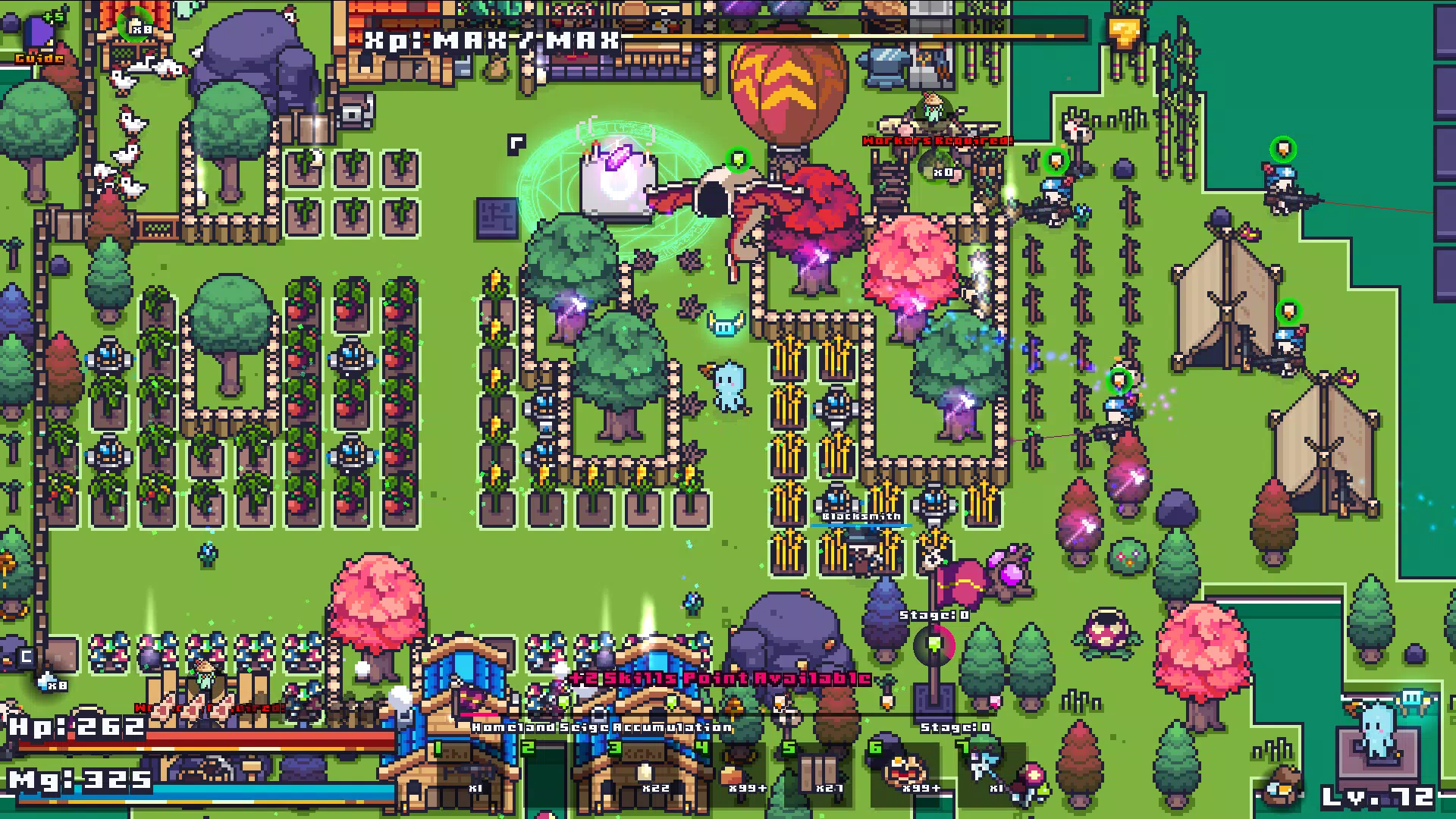
- Build Your Civilization: From basic shelters to advanced fortresses, players can construct and upgrade structures using gathered materials. Defensive systems and resource hubs are essential for survival, especially during large-scale invasions.
- Crafting and Trading System: A deep crafting engine allows players to produce weapons, tools, potions, and building components. The in-game economy enables trading at marketplaces, fostering cooperation and competition among players.
For example, a player might discover a rare ore in a volcanic biome, craft a high-tier weapon, then trade it for food resources to sustain a growing population. This interconnected system promotes long-term planning and rewards resourceful decision-making. The combination of exploration, crafting, and social interaction creates a layered experience that evolves over time.
Interface, UX & Performance
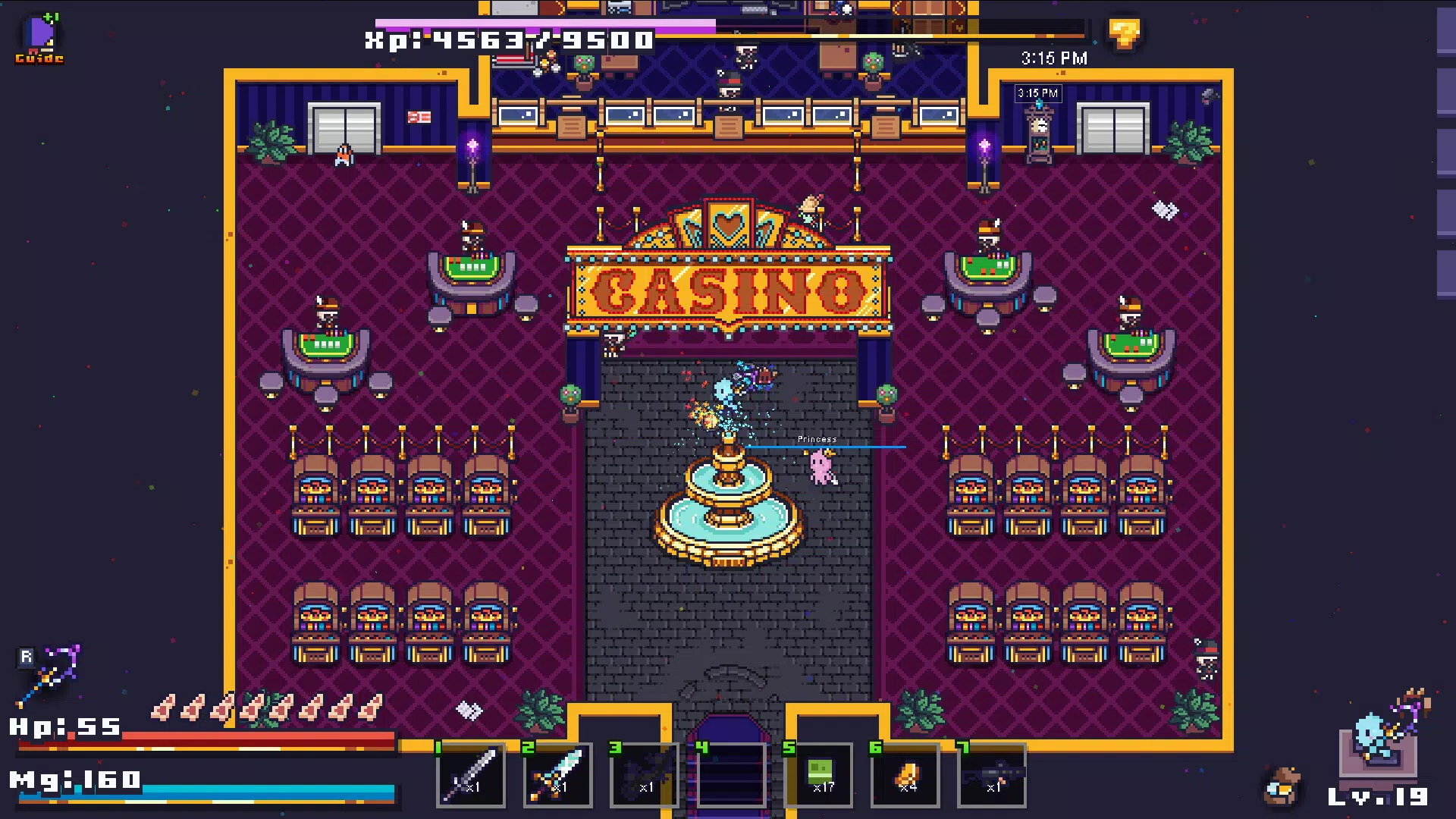
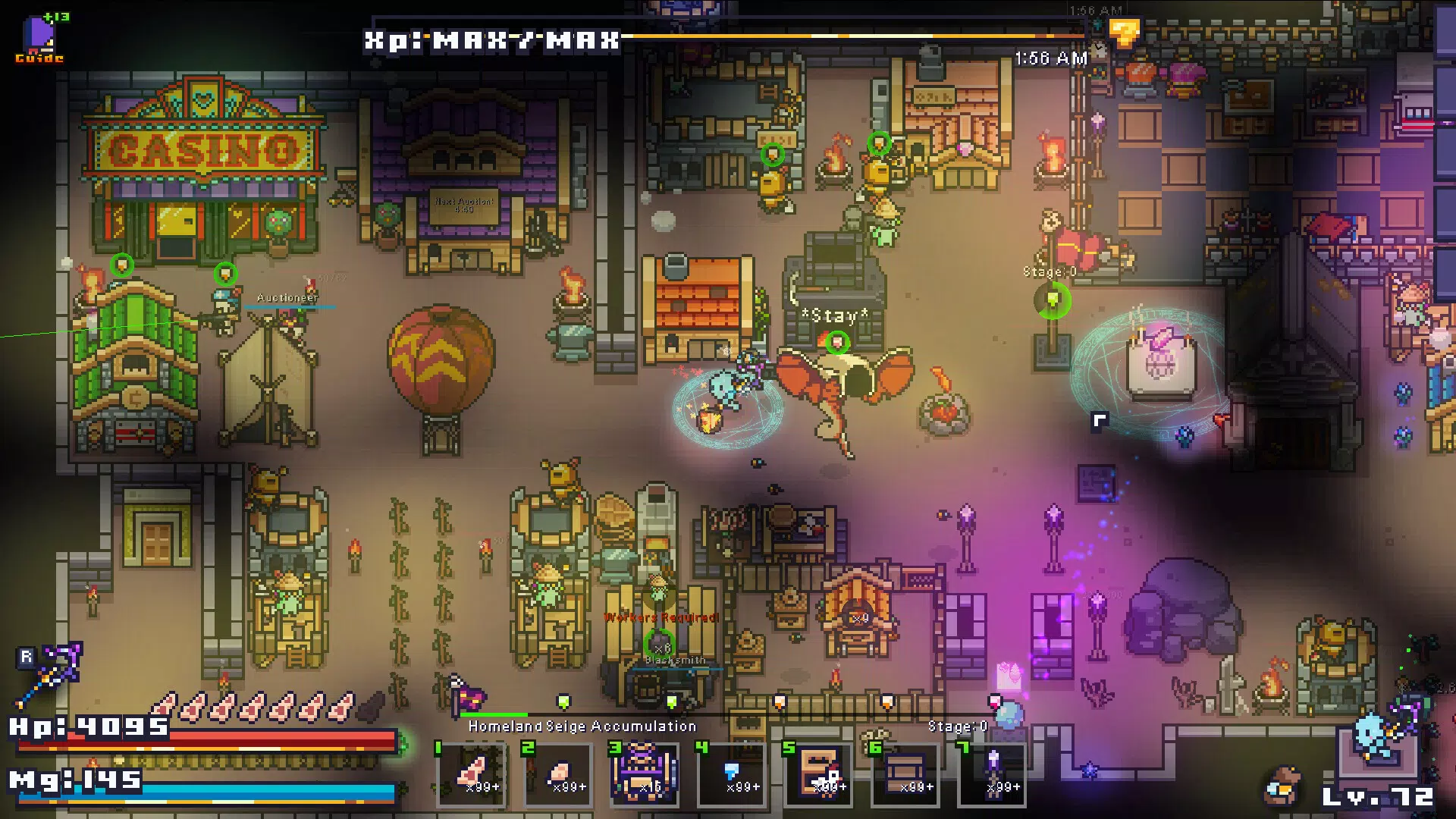
The user interface of Aldro is designed with clarity and accessibility in mind, featuring intuitive navigation and responsive touch controls. The visual style blends whimsical cartoon aesthetics with vibrant color palettes, creating a visually engaging environment that enhances immersion. Main menus are logically structured, with quick access to inventory, crafting, map, and character stats. Navigation between different game modes—exploration, building, combat—is seamless, minimizing user friction.
Although the developer did not list formal performance metrics, the game appears optimized for a range of mobile devices, with smooth frame rates and minimal lag during gameplay. The UI remains stable across screen sizes and orientations, indicating solid cross-device compatibility. Responsiveness is consistent during fast-paced encounters, and loading times between areas are brief.
Stability is maintained even during extended sessions, with no reported crashes or freezes in the current version. The game supports touch-based controls with customizable sensitivity, allowing players to tailor the experience to their preferences. Overall, the UX design prioritizes ease of use without sacrificing depth, making Aldro accessible to newcomers while offering enough complexity to retain experienced players.
Platform Compatibility & Technical Requirements
Aldro is available on Android and iOS platforms, supporting the latest versions of both operating systems. The app has a file size of 450 MB, which is reasonable for a game with rich graphics and procedural content. Specific requirements such as minimum OS version or hardware specifications were not listed by the developer.
Compatibility information was not fully disclosed, so users are advised to ensure their device meets standard mobile gaming requirements. The developer did not specify whether the game supports tablet devices or split-screen functionality. Updates are expected to maintain compatibility with future OS releases, though no official update schedule was provided.
Pros and Cons
- Engaging blend of survival, strategy, and creativity
- Procedurally generated worlds ensure high replayability
- Deep customization and progression systems
- Intuitive interface with smooth touch controls
- Active crafting and trading economy
- Specific system requirements were not disclosed
- No information on multiplayer or cross-platform play
- Performance on older devices is unverified
- Developer did not provide details on cloud saves or backup options
- Update frequency and roadmap are unknown
FAQ
Is Aldro free to download?
Yes, Aldro is available for free download on both Android and iOS platforms. Additional in-app purchases may be available for cosmetic or convenience items.
Can I play Aldro offline?
The game supports offline play, allowing users to enjoy the core experience without an internet connection. However, certain features like trading and multiplayer may require connectivity.
Does Aldro support cloud saves?
The developer did not specify whether cloud saves are supported. Players are advised to manually back up their progress if needed.
Are there ads in Aldro?
Information about advertisements was not provided. The app may include optional ads, but no details were shared regarding their frequency or impact on gameplay.
How often does Aldro receive updates?
Update frequency has not been disclosed by the developer. Future patches may include new content, bug fixes, or performance improvements.
Final Thoughts
Aldro stands out in the mobile gaming landscape by merging the best elements of sandbox survival, strategy, and character progression into a cohesive and engaging package. Its procedural worlds, deep customization, and dynamic combat systems create a gameplay loop that is both challenging and rewarding. Whether you're building a thriving civilization, crafting powerful gear, or facing off against a fearsome boss, every moment feels meaningful and purposeful. The game’s visual charm and intuitive design make it accessible to a wide audience, while its depth ensures long-term engagement for dedicated players.
For fans of mobile strategy games, creative builders, and exploration lovers, Aldro delivers exceptional value. It’s a must-try for anyone seeking a fresh, immersive experience on their smartphone. With its strong foundation and promising mechanics, Aldro is poised to become a standout title in the genre.
Download Aldro now


